
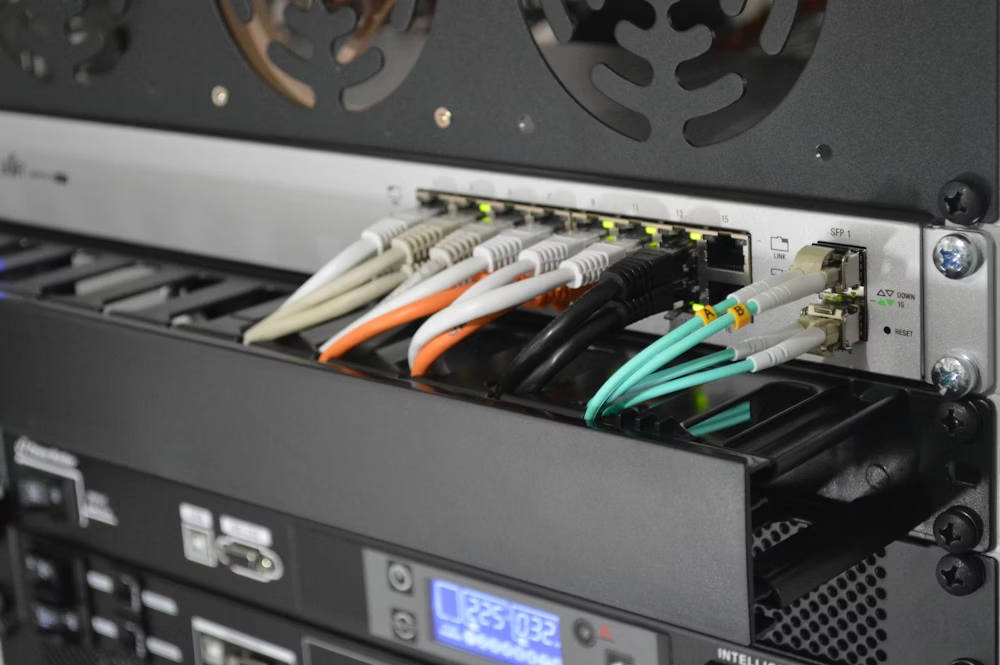
Professional cable management impacts airflow, maintenance, and system reliability. It turns a chaotic closet into a manageable asset.
Velcro vs. Zip Ties
Stop using zip ties on network cables. They can be overtightened, crushing the internal copper pairs and ruining the cable’s certification. Use Velcro (hook and loop) straps. They are reusable, gentle on the cable, and make adding or removing cables easy.
Rack Management
Use horizontal cable managers (1U or 2U) between patch panels and switches. Use vertical cable managers on the sides of the rack to route cables up and down. Maintain proper bend radius—usually 4x the cable diameter—to prevent signal loss.
Labeling is Life
Label both ends of every cable. Use a wraparound label that can be read without twisting the wire. Label the patch panel port and the wall plate jack with the same ID (e.g., A-01). Keep a digital spreadsheet or map of which jack ID corresponds to which room location.
Color Coding
Implement a color code standard. For example: Blue for Data, White for Voice, Red for Security/Cameras, Green for Uplinks, Yellow for Wireless APs. This visual language allows a technician to instantly identify a cable’s purpose without tracing it.
Frequently Asked Questions
What is a Service Loop?
A service loop is extra cable length (usually 3-6 feet) coiled neatly in the ceiling or behind the rack. It allows for future re-termination if a connector breaks or if the rack needs to be moved slightly.
How Do I Organize a Messy Rack Without Unplugging Everything?
It’s risky. Trace one cable at a time, replace it with a properly measured Velcro-strapped cable, and move to the next. Do this during off-hours to minimize disruption from accidental disconnects.